A free AI writing generator can produce a serviceable paragraph from almost any prompt — but "serviceable" and "good" are different things. The gap between a weak AI draft and a genuinely useful one almost never comes down to the model. It comes down to the prompt, the editing pass, and knowing which jobs an AI writer is actually suited for. This guide covers all three.
What a free AI writing generator is actually good at
An AI writer is best treated as a fast first-draft machine, not a finished-copy machine. It excels at breaking through a blank page, producing several angles on the same idea quickly, and handling formulaic writing (intros, summaries, listicle bullets) where the structure is predictable. It's weakest at anything requiring facts specific to your business, a very particular voice, or information published after its training data. Knowing which category your task falls into determines how much editing to budget.
How to write a prompt that gets a usable draft
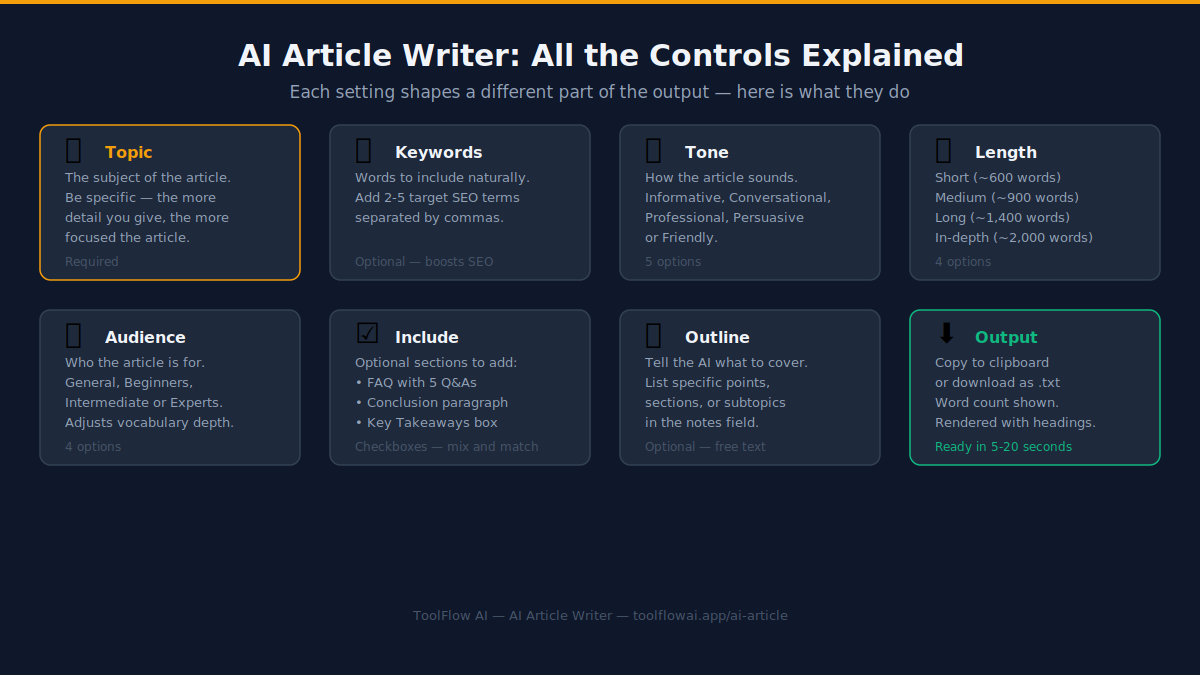
Vague prompts produce vague drafts. "Write about productivity" returns generic filler; "Write a 200-word intro for remote workers who struggle to start their day, in a warm but no-nonsense tone" returns something you can actually use. A strong prompt for a free AI writing generator includes four things: the topic, the audience, the desired length, and the tone. Add a fifth — a constraint or angle — and the output improves again: "...and mention that willpower isn't the real problem" pushes the AI toward a specific, less generic take.
A repeatable workflow: draft, cut, verify, voice
Generate two or three variations rather than accepting the first output — different phrasings surface different angles, and the best sentences often come from different drafts. Cut anything vague: AI writers default to filler phrases like "in today's fast-paced world" that add length without meaning. Verify every fact, statistic, or claim, since AI writers will state incorrect information confidently. Finally, rewrite at least the opening line in your own words — the first sentence sets the voice for the whole piece and is the one line readers judge you on.
Practical examples and use cases
- Turning a rough bullet list of meeting notes into a clean paragraph summary for a status update.
- Producing three different opening hooks for a landing page so you can pick the strongest one.
- Drafting a first pass at an "About Us" page from a handful of facts about the business.
- Expanding a one-line idea into a full paragraph to overcome a blank-page block.
Step-by-step guide
- Decide what job you need done: fresh copy, a rewrite, or a summary. Free AI writing generators do all three but the prompt differs.
- Write a specific prompt with topic, audience, length, and tone included.
- Generate 2–3 variations rather than settling for the first result.
- Read the draft out loud — awkward phrasing is far easier to hear than to see.
- Fact-check anything specific (names, numbers, dates, claims) before publishing.
- Rewrite the opening and closing lines yourself so the piece has a human voice at the parts readers notice most.
Benefits and limitations
Benefits
- Removes blank-page paralysis — there's always something to react to and edit
- Produces several angles on the same idea in seconds, useful for A/B testing copy
- Handles repetitive, formulaic writing tasks so you can spend your time on the parts that need real judgment
- Free and browser-based — no software install, no per-word pricing
Limitations
- Can state incorrect facts confidently — always verify specifics before publishing
- Default tone tends toward generic corporate-friendly phrasing unless you specify otherwise
- Doesn't know your brand voice, audience history, or unpublished context unless you supply it in the prompt
- Long-form pieces (2,000+ words) work better generated in sections than in one pass
Common mistakes to avoid
- Accepting the first draft without reading it critically — the first output is a starting point, not a final answer
- Writing prompts with no audience or tone specified, which produces generic, forgettable copy
- Publishing AI-generated statistics or claims without checking them against a real source
- Using the exact same prompt structure for every piece, which makes an entire site or feed sound identical
Tips and best practices
- Keep a swipe file of prompts that worked well for you and reuse the structure, changing only the topic.
- Ask for the output in a specific format (e.g. "3 short paragraphs" or "a numbered list") to save reformatting time.
- If the draft feels flat, ask for it again with an explicit instruction to be more specific and less generic.
- Use AI-written text as raw material for editing, not as a copy-paste-publish step.
Try the AI Writer — free
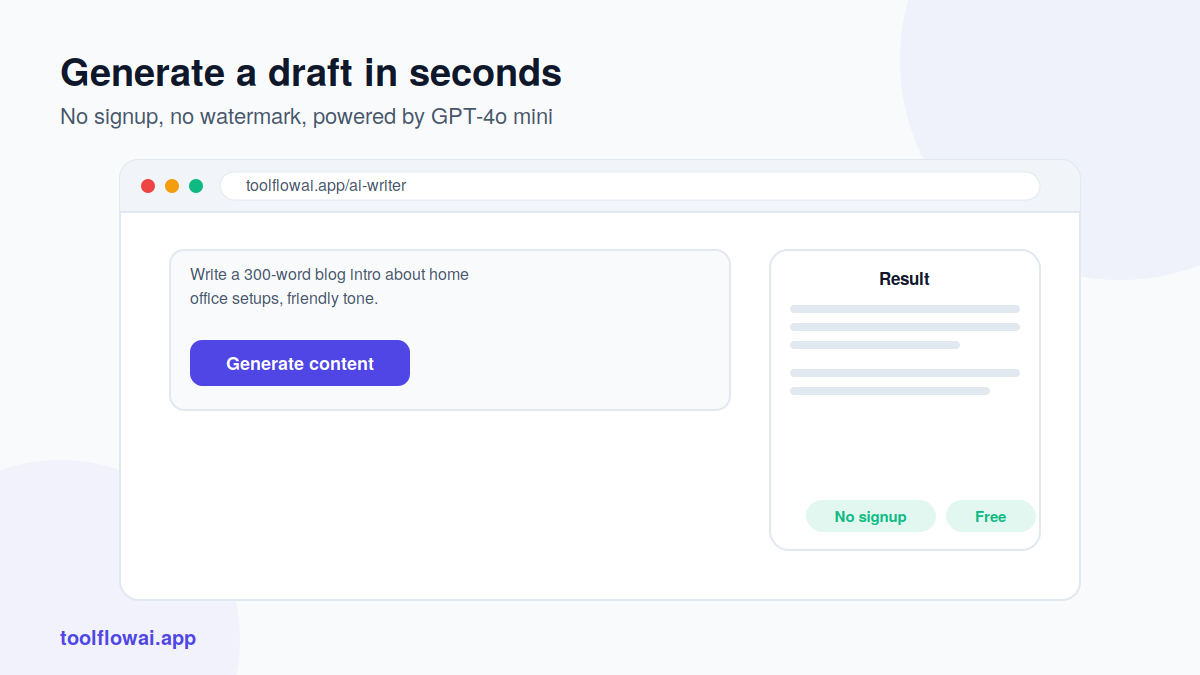
No signup, no cost. Generate results in seconds, right in your browser.
Related free tools
Frequently Asked Questions
Is a free AI writing generator good enough for professional content?
Yes, as a first draft. Treat the output as raw material: fact-check it, edit it for voice, and add specifics only you would know. Professional-quality content still needs a human editing pass — the AI just removes the blank-page problem and speeds up the first 70% of the work.
Will AI-generated content hurt my SEO?
Search engines don't penalize content for being AI-assisted — they penalize low-quality, unhelpful content, whoever or whatever wrote it. A well-edited, fact-checked, genuinely useful piece that started as an AI draft ranks the same as one written entirely by hand.
How long can the generated text be?
Most free AI writing generators handle short-to-medium content (50–500 words) reliably in one pass. For longer pieces, generate section by section — an introduction, then each body section, then a conclusion — rather than asking for 2,000 words at once.
Can I control the tone of the output?
Yes — specify it directly in the prompt: "casual and friendly," "formal and technical," "witty," "reassuring." Being explicit about tone is one of the highest-leverage changes you can make to a prompt.
Does the AI remember my previous prompts?
No, each generation is independent unless the interface explicitly supports conversation history. If you want consistent style across multiple pieces, repeat the key style instructions in each prompt rather than assuming the tool remembers earlier context.
What's the difference between an AI writer and an AI rewrite tool?
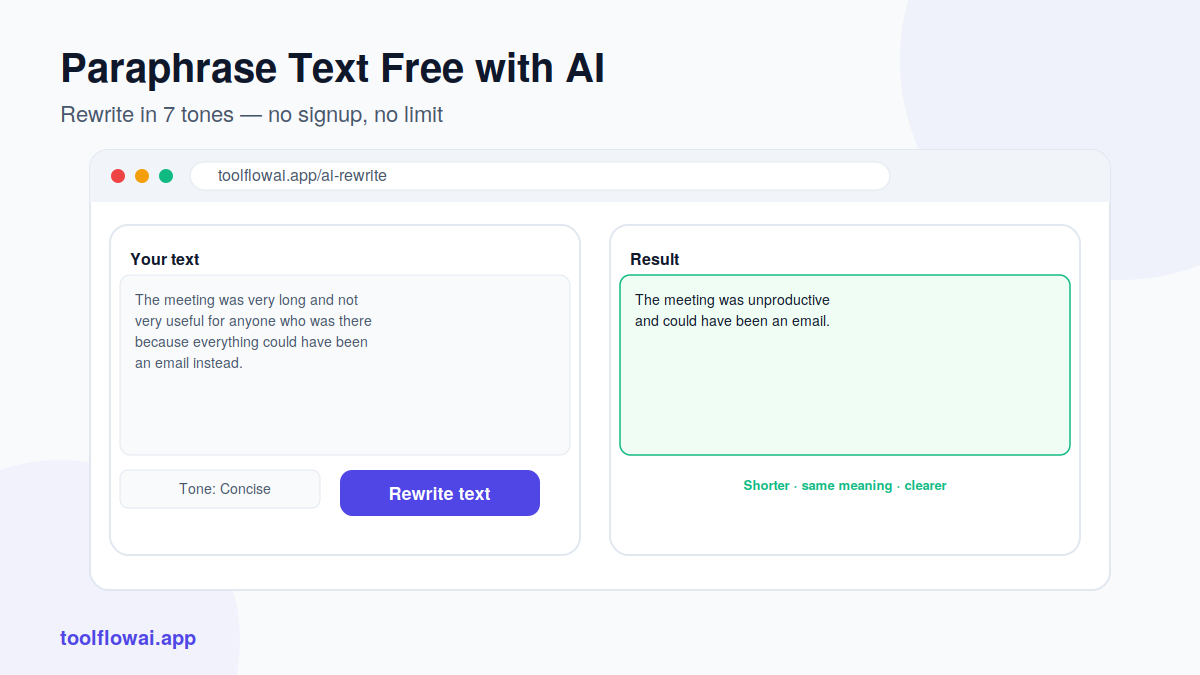
An AI writer generates new content from a topic or brief. An AI rewrite tool takes existing text and rephrases it — useful for adjusting tone, simplifying language, or avoiding repetition in text you've already written.
Can I use the output commercially?
Generally yes, once you've reviewed and edited it — check the specific terms of the tool you're using, but most free AI writing tools allow commercial use of the text you generate.
Why does the output sometimes repeat the same phrases?
AI models default to statistically common phrasing when a prompt is vague. Adding specific details, constraints, and an unusual angle in your prompt reduces repetition and generic phrasing significantly.
Ready to try it yourself?
The AI Writer is free, works instantly in your browser, and needs no signup.